


.png "Geometry Dash Breeze")















Geometry Vibes 3D
Three distinct game modes of Geometry Vibes 3D
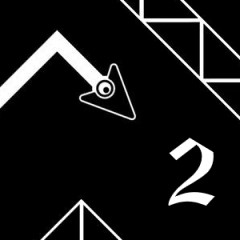
Welcome to Geometry Vibes 3D, which is an entertaining adventure game with three game modes. Beat 30 levels, fly far, and race with your friend.
Classic Mode
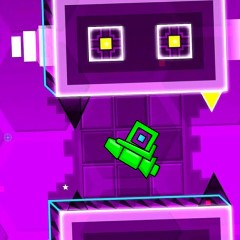
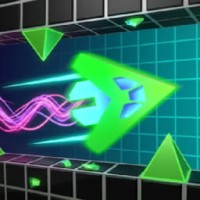
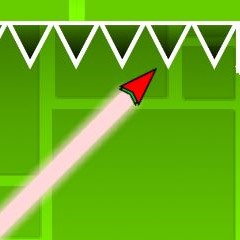
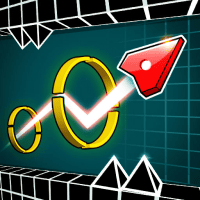
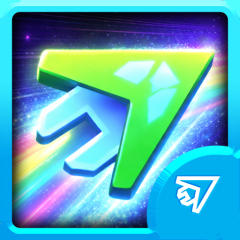
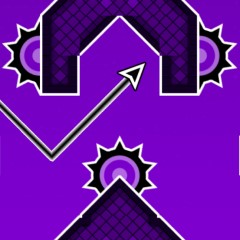
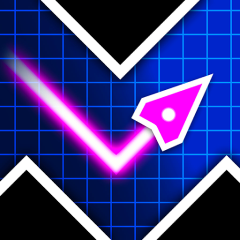
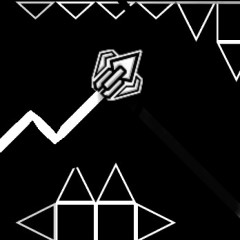
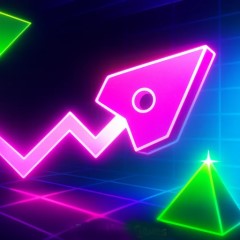
This 3D version of Geometry Vibes also features three game modes. In Classic Mode, you embark on a journey through 30 meticulously designed levels, each requiring deft control of an arrow character to reach the pink portal. The primary objective is not only to complete each level but also to collect three stars hidden within the obstacles. These stars signify skill and mastery, rewarding you for your precision and dedication. As you progress through the levels, you encounter a variety of obstacles, including spikes and moving blocks, which require keen reflexes and timing. Successfully completing levels allows you to earn coins, which can be spent on new arrow characters, tails, and colors, allowing for personalization and enhancing the gaming experience.
Endless Mode
Like Geometry Vibes X-Arrow, this game also offers the Endless Mode that shifts focus from linear progression to an infinite challenge. In this mode, you embark on an endless adventure, striving to fly as far as possible while avoiding a plethora of spikes and obstacles. This mode is not only about survival but also about achieving the highest score, as you compete for ranks on daily, weekly, monthly, and all-time leaderboards.
2-Player Mode
For those who thrive on competition, 2-Player Mode offers an exhilarating racing experience. In this mode, you race against a friend to see who can fly the farthest while dodging obstacles along the way. The excitement builds as you engage in 30 head-to-head races, testing your skills against one another. The competitive nature of this mode promotes not only individual skill but also strategic thinking, as you must adapt your tactics based on your opponent's movements.
Game controls
PLAYER 1: If you want to fly up, use the spacebar or click the left mouse button.
PLAYER 2: If you want to fly up, use the up arrow key.
To restart the level, you can use the R key.
To open the main menu, you can use the M key.
To move to the next level, you can use the N key.